AI Trade Review
Upload a chart screenshot and get an AI trade review
Trakfinity's AI trade review reads the chart screenshot from your trade — instrument, timeframe, entry, stop loss, take profit and exit — then reviews how you executed it against your own strategy rules and trade history. It is a post-trade review of your own trading, never a signal or a forecast.
Upload a chart. AI reads entry, stop, target and exit, then reviews your execution. A review, never a signal.
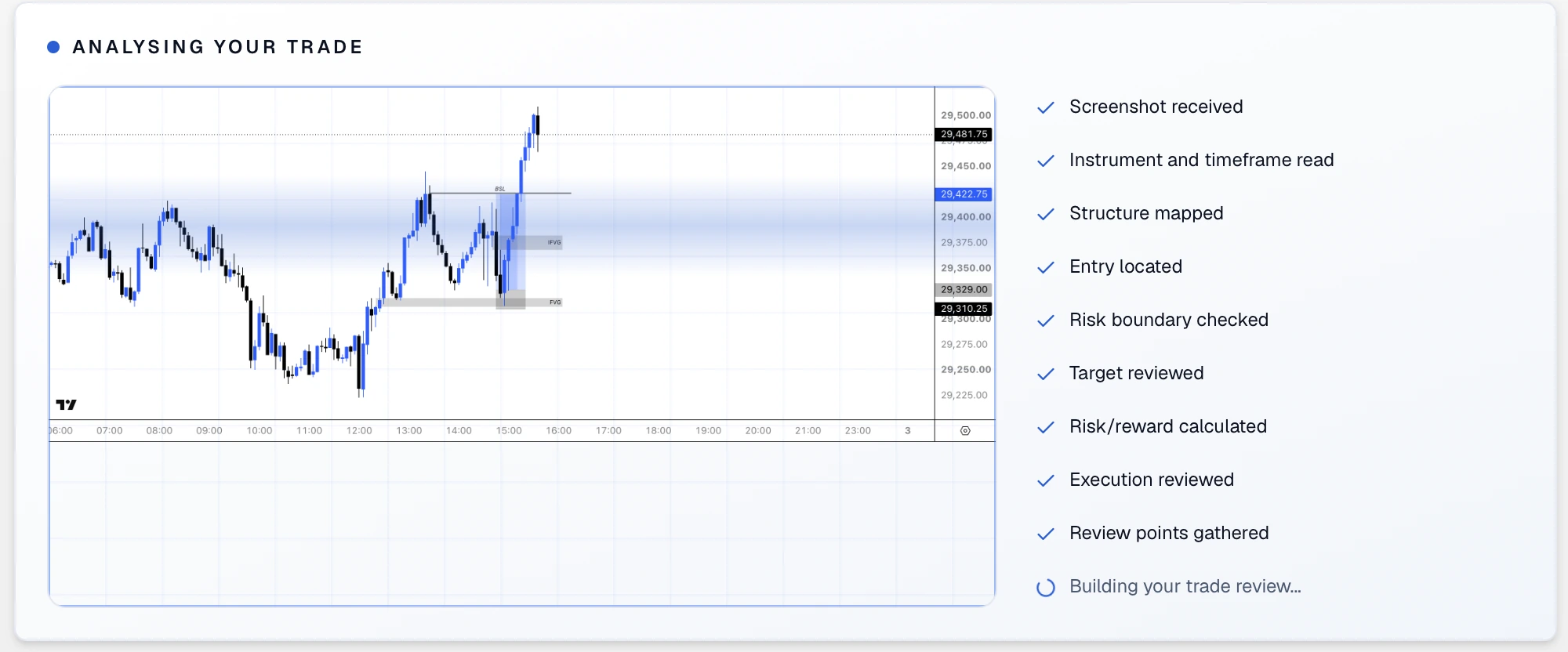
Instrument & timeframe
Reads the market and chart interval shown in your screenshot.
Market structure
Maps the visible trend, swings and important price zones.
Entry
Locates where the trade was entered against the setup.
Stop & risk boundary
Checks the stop placement and the risk taken on the trade.
Target
Reviews the intended target against the chart structure.
Risk/reward
Calculates the potential reward relative to the defined risk.
Execution
Assesses how the entry, management and exit were handled.
Review output
Turns the findings into clear, practical review points.

Log a live trade in seconds with the Trade button
When a setup appears mid-session you do not have time to fill in a full journal entry. The live trade screen captures the essentials — checklist, risk, position size and direction — while the trade is still running.
- The blue Live trade button sits in the desktop header, the sidebar and the centre of the mobile task bar.
- Tick your entry checklist criteria, set risk as a percentage or a fixed amount in your own currency, and get position size instantly.
- The trade is saved as an open position you can track, edit and close when it is done.
- Exits, notes, screenshots and the AI review can all be filled in after the session.
Trakfinity analyses only the trades and screenshots you provide. It does not give financial advice, recommendations or signals, and trading carries risk of loss.